 Document management covers a lot of ground, from a shared folder of scanned files to a records system with audit trails and retention rules.
Whichever one you need, the step that decides whether it works is the first one: getting paper in as searchable, indexed documents instead of flat images nobody can find.
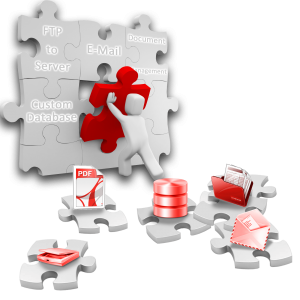
We sell both halves. Capture and OCR software indexes documents on the way in, and document management systems store, search, share and route them. We can also add OCR to the system you already run.
Contact us for a free evaluation of your project and a live demo of the software we recommend.
Contact Us for FREE Consultation on Your OCR Project.
Small Offices and Departments
For one department or a small business, a well-organized shared folder is often all the document management you need. Batch scanning software like SimpleIndex reads barcodes and text as it scans, then names and files each document automatically, so a shared folder or SharePoint library stays searchable without anyone typing.
Desktop document management adds a viewer, search and simple organizing on top, without the security and workflow overhead of an enterprise system.
- SimpleIndex: scan, OCR and file documents automatically
- SimpleView: view, annotate and manage PDF and TIFF files
- SimpleSearch: search SimpleIndex’s database or your own
- Tungsten PaperPort: desktop document management
- IRISmart File: semi-automatic naming and filing
Cloud or On-Premise
A web-based system works from any computer without installing client software. A hosted one also takes the servers and upgrades off your hands.
Both of the enterprise platforms we recommend come in on-premise and cloud versions:
Records Management for Larger Organizations
Once more than a handful of people share documents, you usually need more than storage and search:
- Access control and audit trails for HIPAA, Sarbanes-Oxley and similar rules
- Retention schedules and document lifecycle
- Version control
- Full-text and keyword search
- Workflow routing and approvals
- Electronic signatures
- Email archiving
 We recommend Digitech PaperVision Enterprise and Computhink ContentVerse because they offer strong records management at a reasonable price. PaperVision is especially easy to configure out of the box, and scales to thousands of users.
SharePoint, Google Drive and Box can do much of this too, but usually only after a lot of customization. PaperVision and ContentVerse are built for records management, so these features are ready to switch on. If you’ve already standardized on SharePoint, SimpleIndex can scan straight into it with metadata.
Electronic Signatures in Document Workflows
 Signatures used to be the step that sent a document back to paper: print it, sign it, then scan it back in for the next step.
Under the 2000 ESIGN Act, a signature “may not be denied legal effect, validity, or enforceability solely because it is in electronic form.” So an approval can stay digital from start to finish. It’s faster and cheaper, and it proves the document hasn’t changed since it was signed.
Both of our document management platforms support electronic signatures, on-premise or in the cloud:
PaperVision Enterprise attaches a validated electronic form or signature to a document as part of a review or approval, with built-in security.
ContentVerse has an electronic signature capture module. Each user stores a signature behind their own username and password, and applies it to documents once their identity is confirmed.
Read more in the ScanStore Electronic Signature Guide.
Document Management Software We Sell
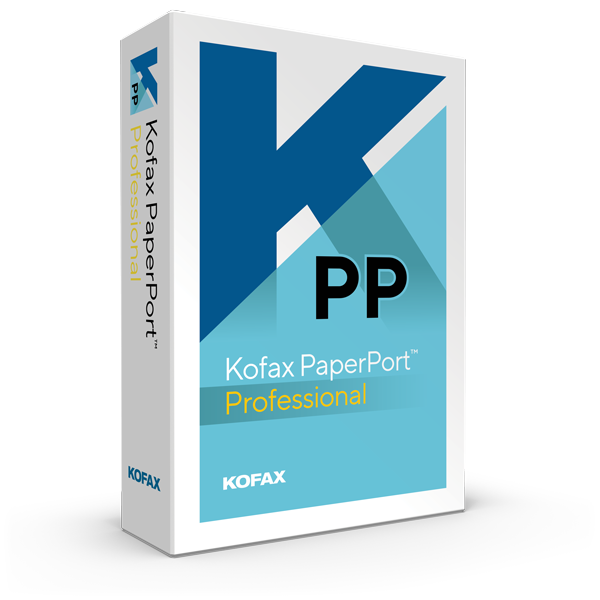
Tungsten Kofax PaperPort Professional empowers your organization to take control of document management beyond the desktop. With Tungsten PaperPort Professional, office workers or individual professionals can save time and money with instant access to all documents—anytime, anywhere.
Intelligent software for semi-automatic naming and classification of documents. Designed to automate desktop document management for freelancers, accountants and other small businesses.
Computhink’s ContentVerse® provides Document Management Solutions that integrate into your existing infrastructure, supplying the missing piece of the puzzle for secure information sharing and compliance, targeting small and medium size organizations. Computhink’s ContentVerse streamlines business processes, improves customer service, reduces costs and ensures compliance.
PAPERVISION performs dependable electronic document management to automate office environments, conserve paper, time, money, and provide peace of mind. Retrieval solutions provide enterprise scalability and functionality with advanced features that enhance your efficiency and protect corporate data.
Electronic information is retrieved instantly with our user-friendly graphical interface that displays a complete overview of all your available projects. View, manipulate, print, fax, export, and e-mail documents directly from your PC.
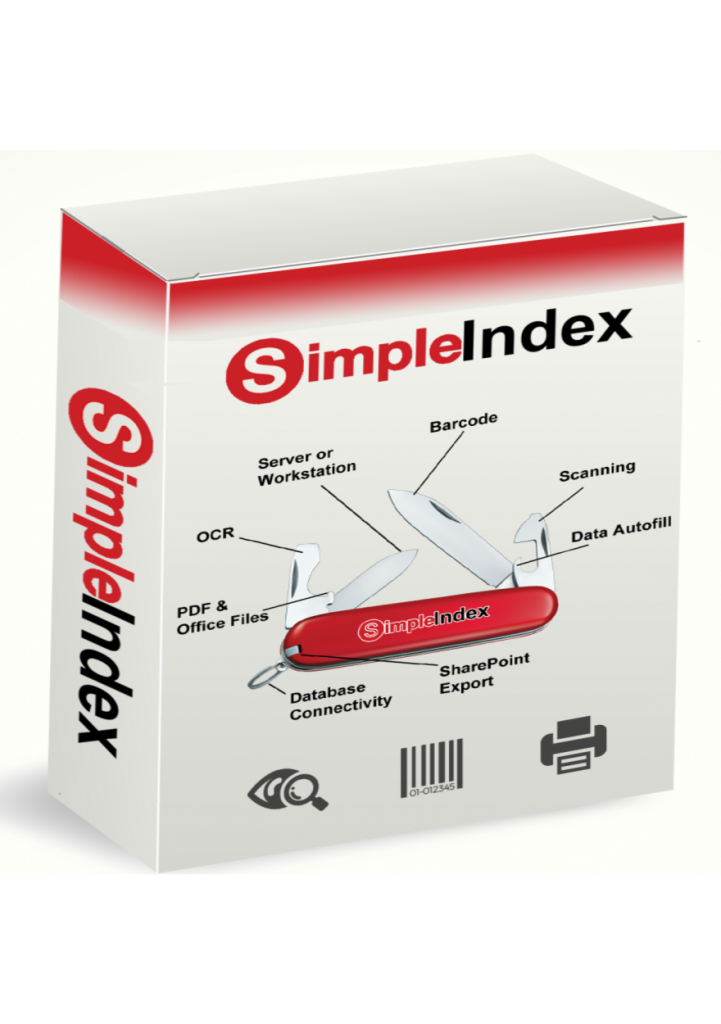
SimpleIndex combines OCR with powerful pattern matching features to extract useful data from OCR text and use it to file documents automatically. Perfect for small to mid-sized businesses that need to digitize many documents at once. Also supports other labor-saving technologies like barcode recognition, zone OCR, and database lookups. The SimpleOCR and Tesseract engines are included, and SimpleIndex Pro adds ABBYY FineReader and cloud AI OCR from AWS, Azure and Google.
OCR results can be saved to text, MS Word or searchable PDF and PDF/A files. Data can be saved to CSV (Excel), any SQL database, embedded in folders and filenames or used as file SharePoint metadata. Integrates with most enterprise document management systems, or use it with SimpleSearch or SimpleView for a simple, low-cost searching solution.
Affordable desktop and server licensing makes SimpleIndex the most cost effective software of its kind!

SimpleView is a free document viewer from Simple Software.
Browse, view, edit, annotate and manage PDF and TIFF documents

SimpleSearch implements the same SimpleIndex interface in “Retrieval” mode, hiding all the menus and toolbars used for scanning. Index fields normally used to assign values are used for searching instead.
SimpleSearch can use SimpleIndex‘s built-in database to perform searches, or connect to any other database, even those for existing business applications. Users simply type index values they want to find and SimpleIndex displays the matches. Partial matching and full text searches are also supported. Displayed documents can be printed, e-mailed or opened in their associated application (Word, Adobe Reader, Excel, etc.). SimpleSearch can view several common image formats, PDF files and can preview files for any OLE-enabled application installed on your computer (MS Office, Adobe applications, AutoCad, etc.)
Share This Story, Choose Your Platform!
Not sure which OCR software you need?
Start with the task you are trying to automate, the file you need out the other end, or the language on the page. Every route below lands on products you can compare, demo and buy.